One of the fun things about digital packages is merging several images without having to physically make a mask and stamp multiple times or locations. I know this is a bit scary if you don't do it all the time, but it's easy to learn in just about any software you have.
My images today are from Polka Dot Orchard and I'm going to share two different cards using three digital sets, all drawn by Artist Jeanie Hays.
For the first card, I've used the boat and the sentiment from Wishing You Peace and the Seagull from You Peli-can Do It.

I use Photoshop Elements 12 for my digital work so each image is a layer. I brought the boat into a new document, then pulled the Pelican in and 'attached' him to the rope of the boat. The third layer is the sentiment from the Wishing You Peace package. The size of mine isn't in stone - you should adjust the sizes to what appeals to you.
After Copic coloring, I used the Pink & Main Scalloped Square die and a 5 1/2" square navy card base. Copic used are referenced at the end of the blog.
For the second card - I changed the size a little, making the boat appear to be farther away. I added the sentiment from Feel Better Soon.

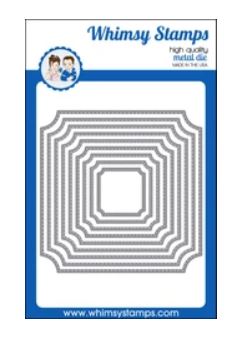
After Copic coloring with slightly lighter colors, I used Whimsy Notched Square die set and a gray 5 1/2" square card base.
I hope you will take a stab at mixing your digital images to make your own unique cards. Currently these images are on sale at Polka Dot Orchard too.
Thank you for stopping by today. I enjoy sharing my work
with you and invite you to “Follow” my blog and to visit my site ~ “Not JustScraps” on Facebook ~ where you can purchase my cards and other crafting items.
I’ll be entering this card in the following challenges:
Serving a Risen Savior,
Pam
Copics Used:
Pelican: No, N3, N5, E93, E95, E97, Post: W2, W4, C3, E55, Boat: E99, E39, E27, Water: B01, BG11, BG01, B21, BG000
Products Used:


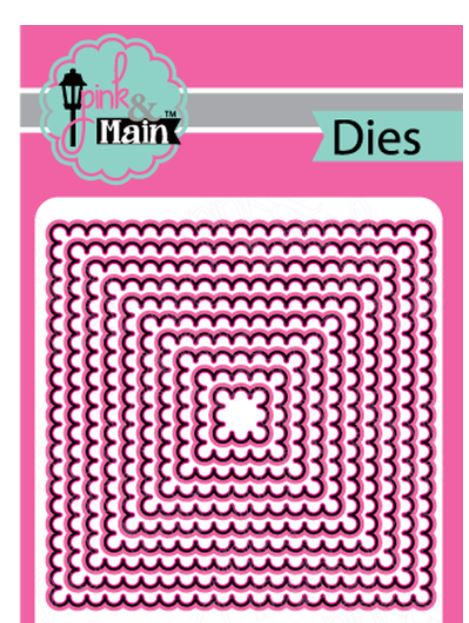
Pink & Main, Scalloped Squares